Getting faster starts with identifying what progress means in your exact game. Several Keyboard Escape experiences award Speed for steps, but other games reward jumps, painting, elapsed seconds, cash production, or even keycaps used to build a path. There is no honest one-number training route that works across every title.
First, identify the gain trigger
Read the official description and watch the stat counter while performing one controlled action. If one step changes Speed, you are in a movement-based loop. If one jump changes Jump, or painting a key changes Speed, adjust your training around that action instead. A title with +1 in its name does not prove that every action, multiplier, or upgrade works the same way as another +1 game.
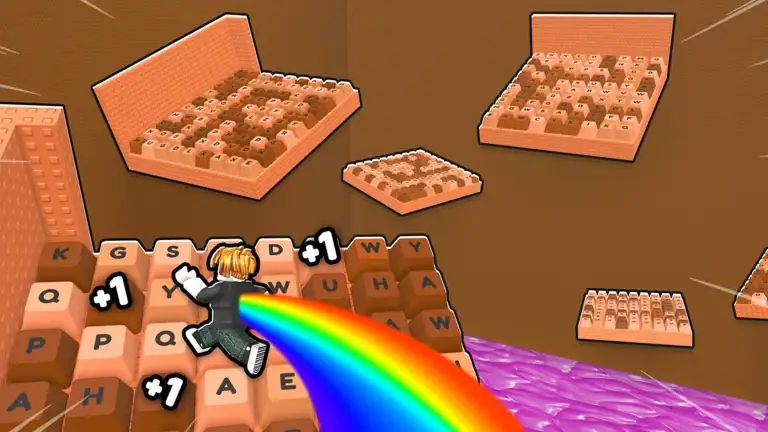
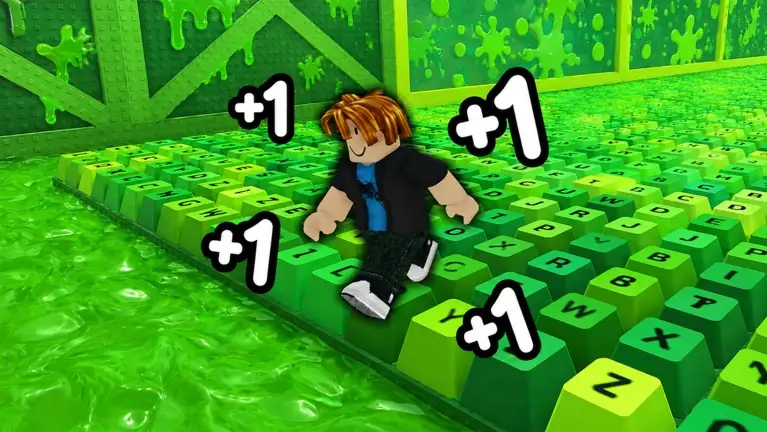
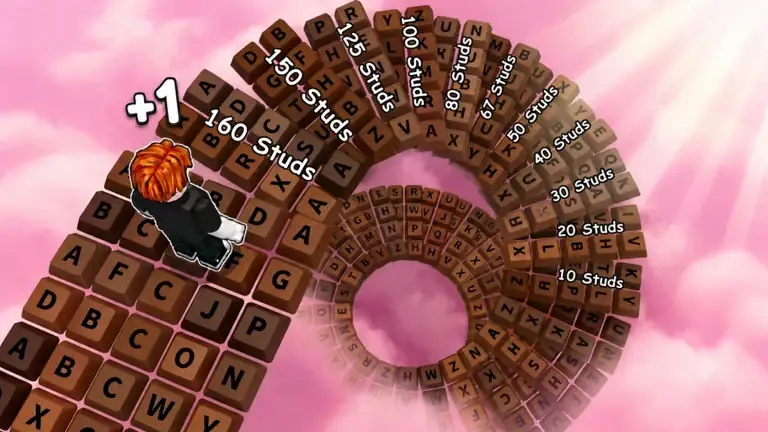
The catalog contains enough variation that this check matters. Candy & Chocolate, Slime, Future City, Honey & Chocolate, and the ASMR variant describe step-based Speed. +1 Jump describes jump-based growth, +1 Size describes step-based Size, +1 Paint describes painting-based Speed, and Escape the Backrooms describes Speed gained each second.
- Step-based: move on safe ground and confirm the Speed counter changes.
- Jump-based: confirm whether ordinary jumps or double jumps are the relevant action.
- Action-based: follow the named action, such as painting keys or placing keycaps.
- Time-based: movement may help with the route, but the official rule can award Speed with time instead of steps.
Build control before attempting maximum speed
A larger movement stat is useful only if you can still land on the route. Start with a short training interval, make one clean attempt, and note where excess momentum causes a miss. Alternating training and course practice gives better feedback than grinding a stat without testing it.
Games that advertise a fall-reset loop make control especially important. Approach narrow keys in a straight line, make smaller corrections near edges, and learn whether the current stage expects a run, a jump, or a double jump. Camera angle and timing often matter more than another short burst of raw Speed.
- Use a safe area to learn how quickly your avatar accelerates and stops.
- Test one difficult transition repeatedly instead of changing several things at once.
- Reduce unnecessary side-to-side input before narrow landings.
- After an upgrade, retest early obstacles because familiar timing may have changed.
Use only the upgrades your game confirms
Training and multipliers recur across several official descriptions, but their prices, currencies, and exact effects are game-specific. Use the current game's visible UI to compare the next upgrade with your present route goal. Do not follow a price list or upgrade order from another experience simply because both titles contain +1 Speed Keyboard Escape.
Boots are named in the Double Jump games, while trails and auras are named in the standard Double Jump game. Slime explicitly advertises offline Speed. Those examples show why an upgrade guide must stay attached to one game: none of those items is proven to work category-wide.
Speed is not the only progression stat
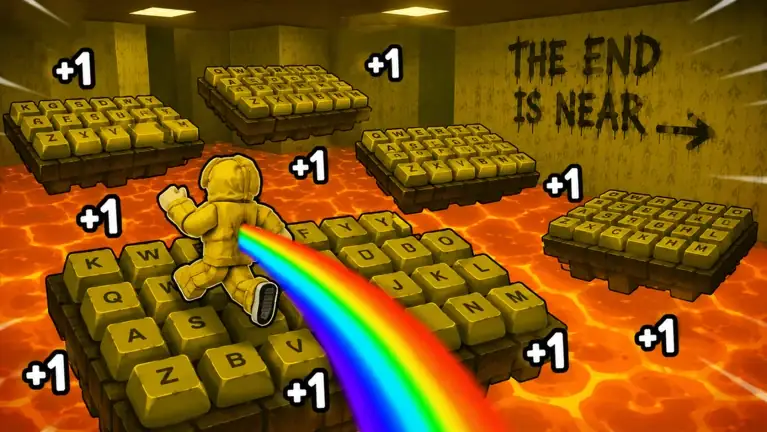
+1 Size Keyboard Escape replaces the usual Speed focus with Size, while +1 Jump and the Double Jump variants focus on vertical movement. In Keyboard Escape for Brainrots, Brainrots generate cash and cash buys Speed. In [TOXIC] +1 Keyboard Escape, walking earns keycaps that are placed to create a safe route above lava.
These games may still reward efficient movement, but a generic speed-grinding strategy misses their main resource loop. Name the stat, name the trigger, and name the route objective before deciding what to improve.
A repeatable improvement routine
Use a simple cycle: identify the trigger, train briefly, attempt the course, identify one failure point, and make one targeted adjustment. If the game shows a multiplier or long-term system, evaluate it only after you understand what it will change.
This routine deliberately avoids exact targets. Public descriptions do not provide a reliable category-wide Speed requirement, and different maps can be rebalanced. Your current counter, current course, and current in-game upgrade panel are the relevant evidence.
- Confirm what action grows progress.
- Choose one near-term route or stage target.
- Train just enough to test that target.
- Practice the failed movement rather than only increasing the stat.
- Recheck controls and timing after any meaningful multiplier or upgrade.
Candy & Chocolate: check the current listing before training
The October 3 Roblox listing for SecretVerse Studio’s place 95082159892680 uses an X2 title prefix, while its description still says each step adds one Speed and points to training and multipliers. The title alone does not specify an event duration, a universal gain formula or how bonuses stack.
The same description offers an in-game gift for joining SecretVerse Studio’s group. Use the creator link from that exact experience, then check the game’s own claim interface. The description does not publish a gift amount, a code string or an instant-delivery guarantee.
- Record the Speed gain you actually see before buying or changing an upgrade.
- Compare one training method at a time so a title prefix is not mistaken for a measured multiplier.
- Keep Candy & Chocolate separate from the Jump, Slime and other developers’ games; their currencies and group rewards are not interchangeable.
Frequently asked questions
Does walking always give Speed in Keyboard Escape?
No. It does in several Speed variants, but other games use jumps, painting, time, Size, cash, or placeable keycaps.
What is the best Speed stat for finishing?
There is no category-wide target. Maps and movement rules differ, so test the current route and use its current UI rather than a number from another game.
Should I buy every multiplier immediately?
Not automatically. First confirm its cost and effect in the exact game, then decide whether more progress or better course control is your current limitation.
Why do I miss more jumps after getting faster?
More momentum can change familiar timing. Return to an early section, use smaller corrections, and relearn takeoff and stopping distance after an upgrade.