The best first move in a Keyboard Escape game is not endless stat grinding. Spend a minute identifying the progress trigger, the route objective, the failure rule, and the finish reward. Then build only enough power to practice the course while your movement is still controllable.
Your first-minute check
Confirm the exact title and developer before using any outside advice. Similar names can lead to different experiences, and the same Candy or Backrooms theme can sit on top of a different movement rule.
Next, watch the visible counters while walking, jumping, or using the named action. Find the start of the keyboard route and look for visible stage, finish, Win, Trophy, or exit language. Finally, test a safe miss if possible to learn whether you return to the start, lose only position, or use another reset rule.
- What action increases progress?
- Which stat or resource changes?
- Where does the actual course begin?
- What happens after a fall or missed key?
- What does the finish visibly award, if anything?
Make the route readable
Angle the camera so the next landing and its edge are visible together. On narrow keys, line up before accelerating and avoid large sideways corrections at the last moment. When the route changes height, briefly prioritize seeing the landing over seeing the finish.
Practice the earliest difficult transition at a stable stat level. If you keep increasing Speed or Jump between attempts, you change the timing and make it harder to learn whether your input improved.
- Center the next key before committing to a fast run.
- Use shorter inputs near edges and hazards.
- Learn one transition at a time.
- After a multiplier, revisit a simple jump to recalibrate.
Match your plan to the variant
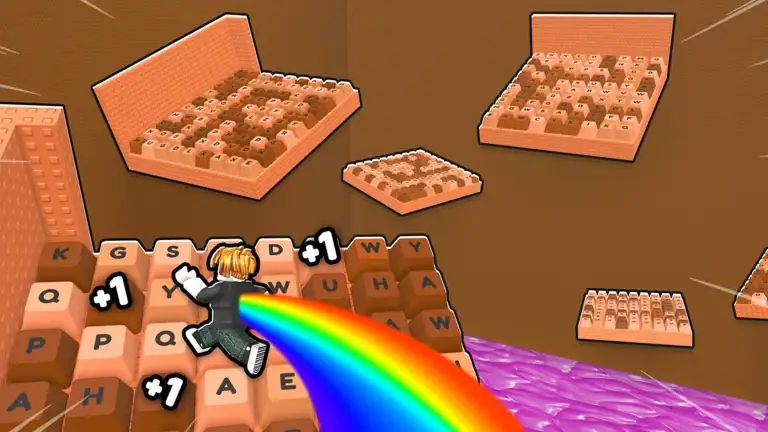
In the step-to-Speed games, safe movement can train the same stat used for the course. +1 Jump and Double Jump variants require vertical timing, with Boots named in the Double Jump descriptions. +1 Paint asks you to paint keys for Speed, and +1 Size grows Size rather than Speed.
The Brainrot and Toxic games need a different mental model. Keyboard Escape for Brainrots uses income units, cash, Speed, areas, and disappearing keycaps. [TOXIC] +1 Keyboard Escape has players earn and place keycaps to build a path over lava. A classic run-and-jump routine does not describe either hybrid completely.
Candy & Chocolate systems players search for
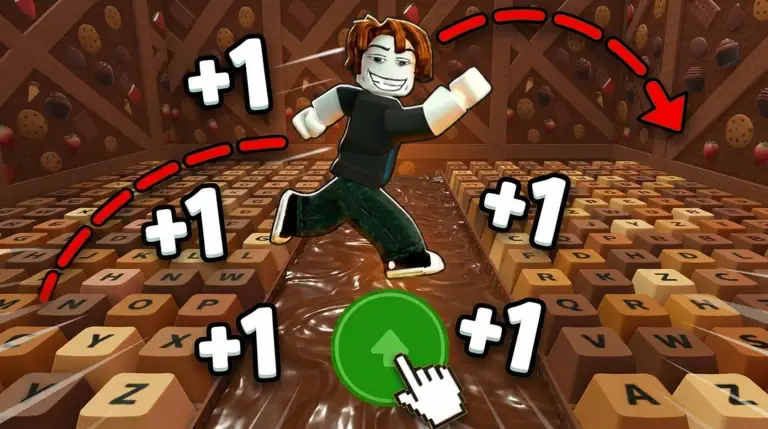
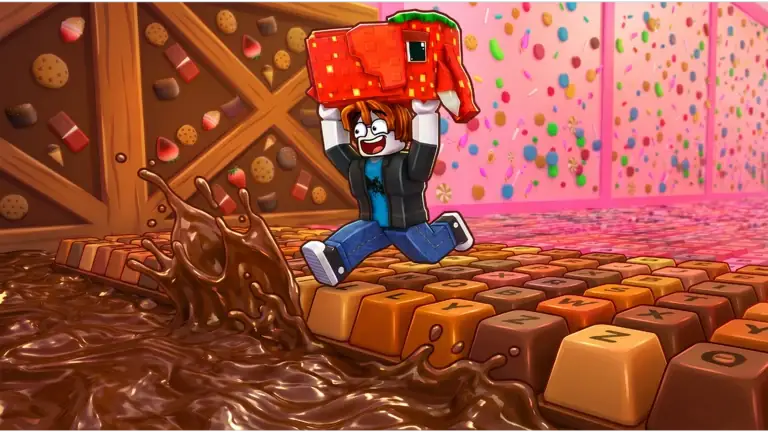
The current +1 Speed Keyboard Escape wiki SERP is no longer just a basic game description. Players are also looking for treadmills, Daily Treadmill rewards, trails, auras, Speedrun Mode, stage progress, social codes, and Admin Abuse timing. Treat these as Candy & Chocolate topics unless another exact game title says otherwise.
For events and Admin Abuse timing, use the current in-game countdown or official community channel. SERP pages can capture a recent update, but Roblox event schedules can change faster than static guides.
- Use treadmills and Daily Treadmill rewards as training shortcuts when they are visible.
- Treat Trails and Auras as Candy & Chocolate progression items, not category-wide defaults.
- Use the social-code path for current reward checks before relying on older public strings.
- Check event timing live before planning around Admin Abuse.
Treat every shop as game-specific
Multipliers recur, but their currencies and effects vary. Read the current label before buying and avoid importing a shopping order from another game. The same rule applies to Boots, trails, auras, Speed Buttons, spin wheels, and rebirth panels.
If the route is already controllable, a multiplier may shorten future training. If you are missing because of overshooting, more raw power may not solve the immediate problem. This distinction is more useful than a universal upgrade tier list.
Turn falls into route information
Several official descriptions explicitly say that a fall sends the player back to the beginning. When that happens, name the cause before restarting: wrong alignment, late jump, excess Speed, unseen hazard, or unfamiliar stage rule.
On the next attempt, change only one variable. A slightly earlier jump or straighter approach produces clearer feedback than simultaneously adding a multiplier, changing the camera, and taking a new line.
- Locate the exact key or hazard that ended the run.
- Choose one input or camera change.
- Repeat the approach at a similar stat level.
- Train more only when the route genuinely requires more reach or pace.
Do not chase features the game does not list
+1 Speed Hug Keyboard Escape lists Pets as a finish reward, but other games should not inherit that system. The Candy & Chocolate codes page lists BYP4SS1 as a one-time string to try and marks CHOCO2026 and 2026 expired. Do not carry those strings into a similarly named title, and check the exact game page for Wins or rebirth before planning around them.
Use the developer's current Roblox page and the last-checked date on this site. When a feature is not listed, play the visible route instead of planning around a rumor.
Frequently asked questions
Should beginners grind Speed before starting the course?
Only enough to test the route. Too much raw Speed can make narrow landings harder, so alternate short training periods with clean attempts.
Why did I return to the start after falling?
A start reset is explicitly part of several Keyboard Escape descriptions. Treat it as the game's failure loop and focus on the exact transition that caused the miss.
Do these tips work for Jump and Brainrot variants?
The observation and practice method does, but the resource loop changes. Jump games emphasize vertical movement, while Brainrot hybrids add cash-producing units and other tycoon systems.
Are there beginner codes to redeem?
For +1 Speed Keyboard Escape | Candy & Chocolate, BYP4SS1 is the only shared string current August guides suggest trying, and it may work only once per account. CHOCO2026 and 2026 are expired there. Open the exact game record and codes tracker first; do not copy Candy strings into Slime or another similarly named experience.

![[ TOXIC ] +1 Keyboard Escape Roblox game thumbnail](/images/games/toxic-plus-1-keyboard-escape.webp)